

|
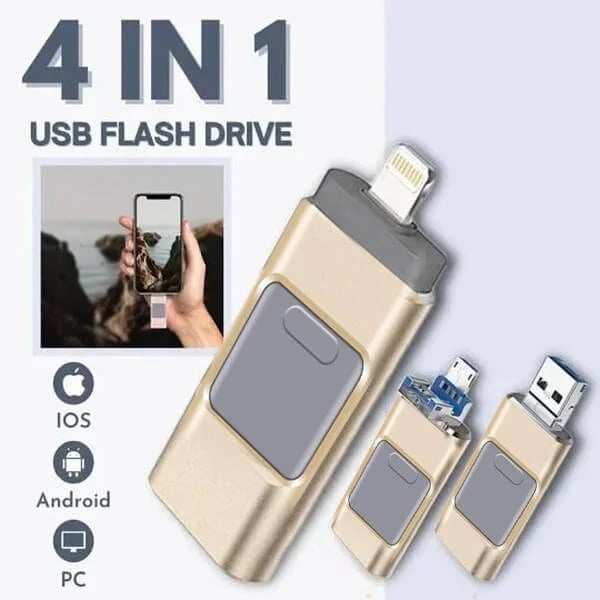


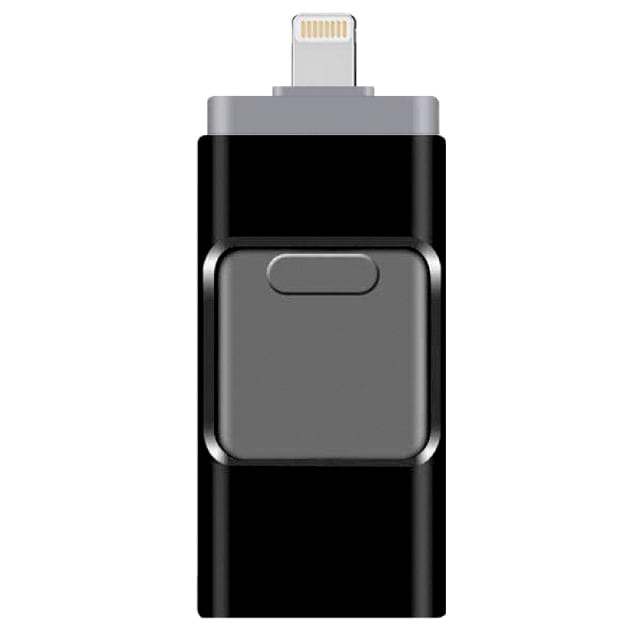
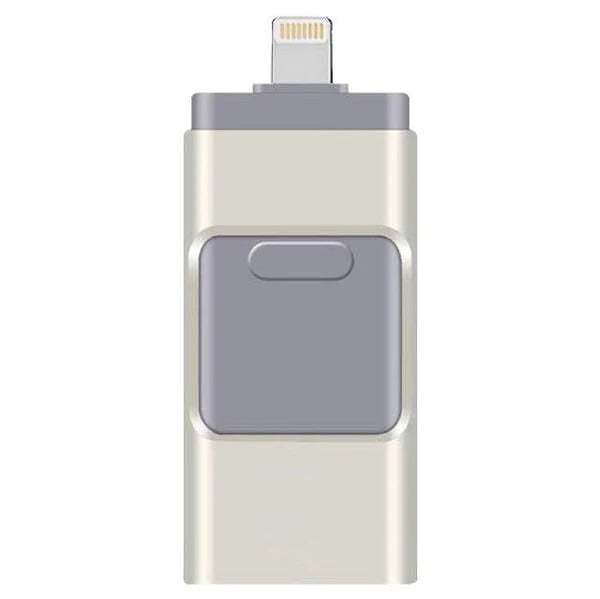

49% OFF TADAY - 4 In 1 High Speed USB Multi Drive Flash Drive

✔ Worldwide free shipping on orders over $14.99 !
✔ Free gift message card: Yes
✔ Corporate bulk purchasing: Yes
✔ Dropshipping services: Yes
✔ Customized packaging: Yes
✔ OEM ODM orders: Yes
For any special requests, feel free to contact us anytime. We're here to help!


-
- Product Name: 49% OFF TADAY - 4 In 1 High Speed USB Multi Drive Flash Drive
- Item NO.: dlz1724087538604
- Weight: 0 kg = 0.0000 lb = 0.0000 oz
- Category: Cool Gadgets
- Brand: VEASOON
- Creation Time: 2024-08-22

- Handling time>> Fast shipping after payment.
- Returns>> Fast returns by Professional Customer Service Team, Service Satisfaction Guarantee.
- Shipping>> We'll arrange the fastest shipping for you. Free Shipping On Orders Over $40.
- Easy and fast returns by professional customer service team
- SSL Certificates For 100% Security
- Email Support>>Please contact us at support@firemid.com if you need any assistance
93.8% of customers choose 256GB (enough storage space, cost-effective)
What files can I transfer?
The Spectics Stick supports all common image, video, and audio files. This includes stored pictures & videos from your camera roll, and music & voice recordings from your phone!
This Flash Drive , USB Memory Stick External Storage Thumb Drive Compatible with iPhone, iPad, Android, PC and More Devices.


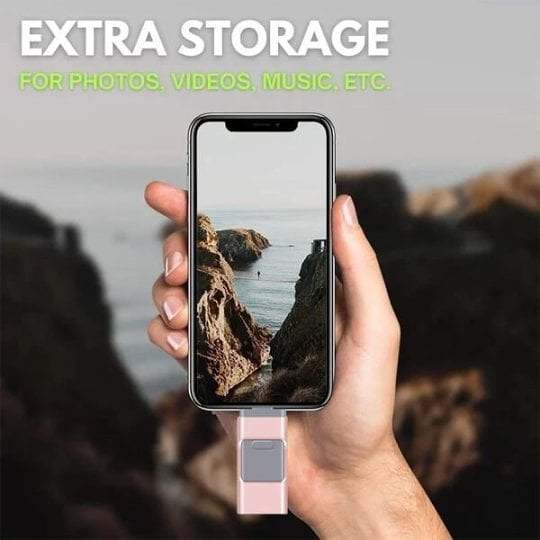
Make space on your phone, effortlessly.

Seamless Data Transfer
Copy your files via our proprietary app and they'll show up on the drive - so you have a totally secure back-up of all the important moments.

FAQ
Will this work with my device?
Absolutely! The Spectics Stick is compatible with all iOS, Android, and PC computers/laptops. If your device has a lightning port or USB port, it will work just fine!
It includes the following port connections:
- Lightning (Apple)
- Micro USB (Android)
- USB C (Android + Laptops/PC)
- USB A (Laptops/PC)
1. Use on iPhone and iPad (lighting interface)
(1)Download Y-DISK APP according to the instructions

(2)Insert Flash Drive

3. Open the APP to start transferring files

2.For Android,Insert our products directly, and then go to file management to start transferring files

3. USE ON NEW iPad ,with the USB-C connector
(1)Using USB-C adapter, insert your new ipad

(2)Find the folder and enter the folder

(3)Find our USB device and start to back up files

HOW TO PAY
Payments Via PayPal®, Debit and CreditCard.
Add to cart first, and Check out, then select Shipping method and Payment method.
If you checkout with a Debit / Credit Card, just enter your * Card Number, * Expiration Date, and * Secure Code.

You May Also Like
-
 Shamrock CharmUS$ 7.00
 -
Magic Levitation Candle & WandUS$ 9.90
-
-
 Engraved Heart CharmUS$ 7.00
 -
-
-
 Silver CharmsUS$ 7.00
 -
 Children Silver Elephant PendantUS$ 11.00
Recently Viewed
-
 Astronaut Bedside Night Light BoxUS$ 24.97
 -
 French Wave Curling IronUS$ 24.99
 -
 Women's Clogs With FlashlightUS$ 29.99
 -
 Tulip Shaped Table LampUS$ 99.00
 -
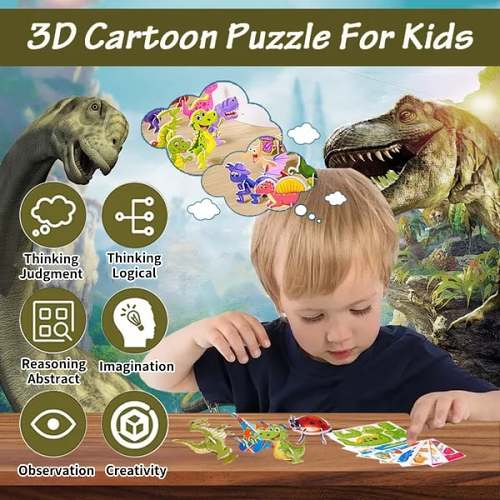 Educational 3D Cartoon PuzzleUS$ 7.99
 -
 Moonstone Drop EarringsUS$ 22.99
 -
 Cartoon Little Angel Night LightUS$ 24.59
 -
 Mini Flower Atmosphere Night LampUS$ 8.97
- Company Info
- About Us
- Contact Us
- Customer Reviews
- Company Blog
- Company Policies
- Payment & Shipping
- Sitemap
- How to Order?
- FAQs
- User Center
- Easy Login or Register
- My Account
- My Orders
- Forget Password
- Tracking Orders
- Leave a Message Online
- Submit a Product
- Newsletter
-
Subscribe for Updates. We'll let you know about the latest deals & newest products.
- Join our community
Copyright © 2024 VEASOON . All Rights Reserved.



















Customer Reviews